How do I transfer email data from San Bruno to Gmail?
To transfer your San Bruno email data, please follow the instructions below.
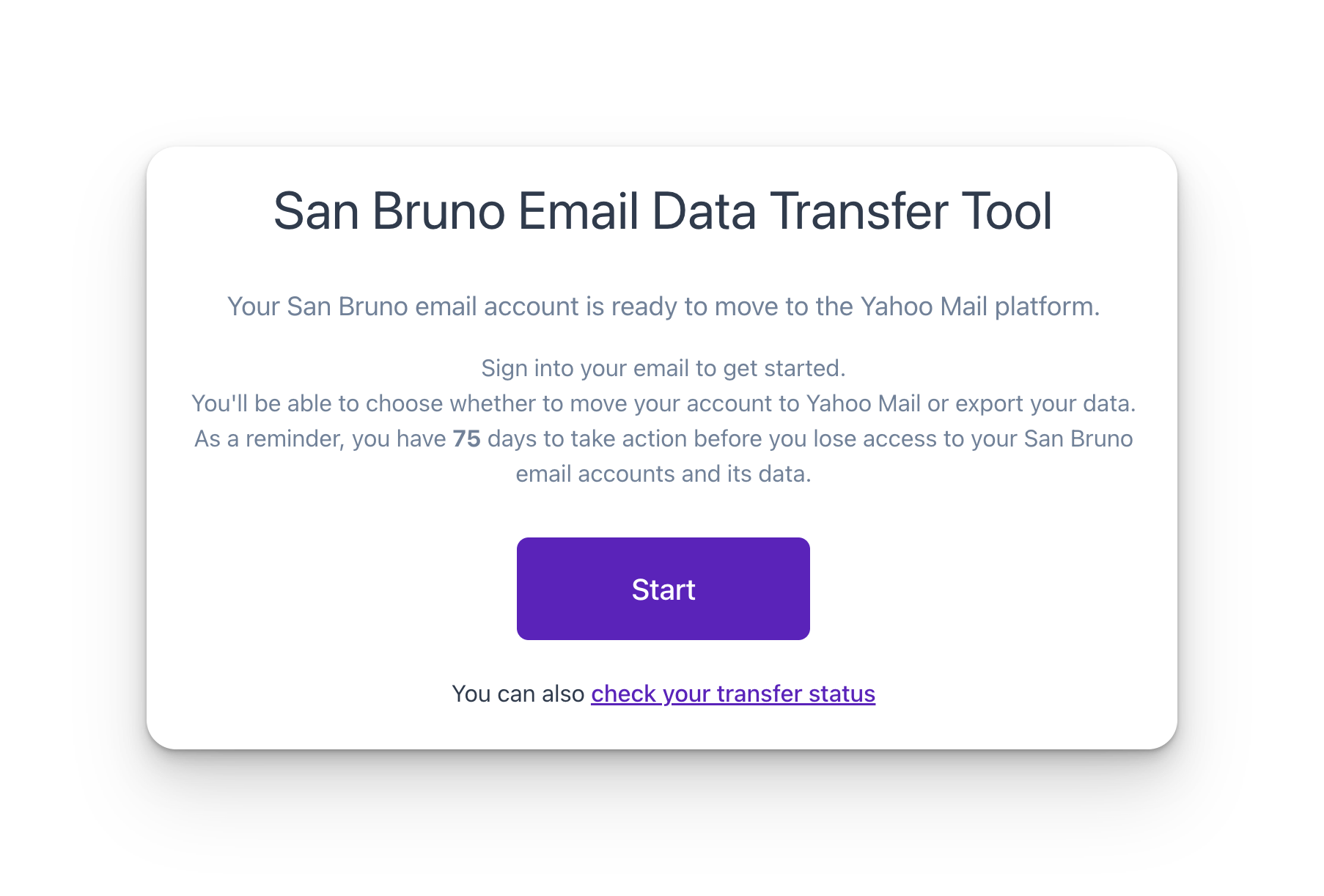
STEP 1. Navigate to the Transfer Portal. We recommend using Firefox or Chrome.
STEP 2. Authenticate with your San Bruno email Account.
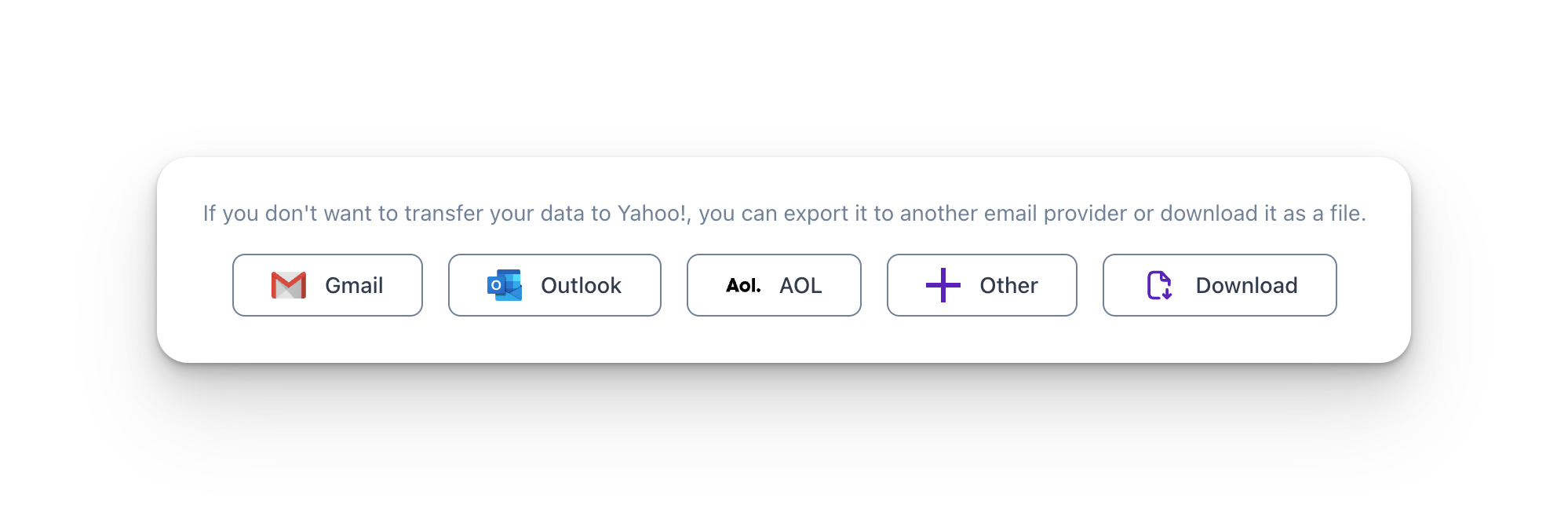
STEP 3. Choose Gmail. Please choose your existing Gmail account. If you don't have one, learn how to create one here.
STEP 4. Authenticate with Gmail.

STEP 5. Start Transfer
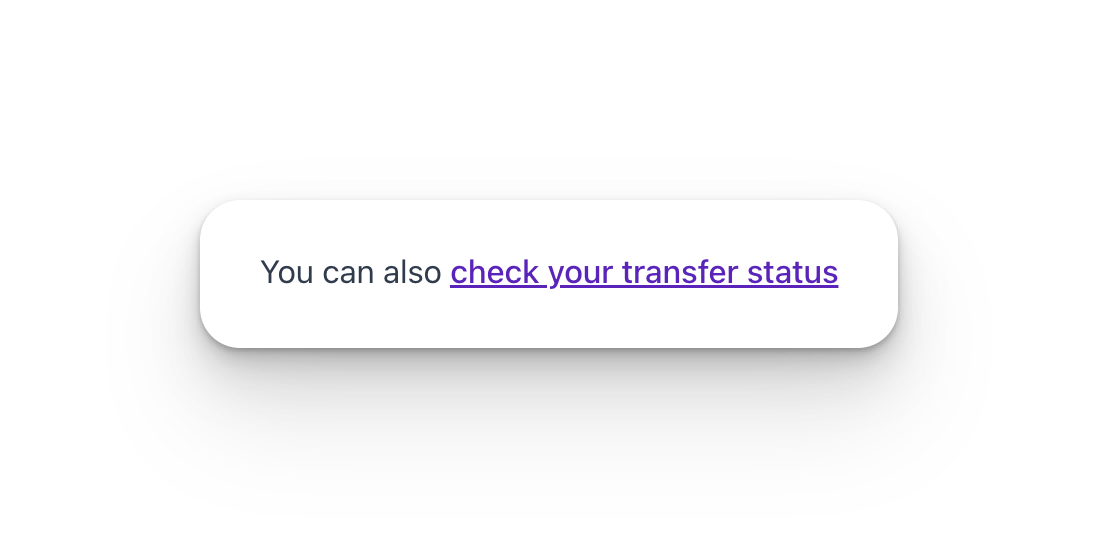
Step 6. Check Transfer Status. You can also check your Transfer Status with your Transfer ID in the Transfer Portal.