How do I transfer my San Bruno Emails and Contacts as a file?
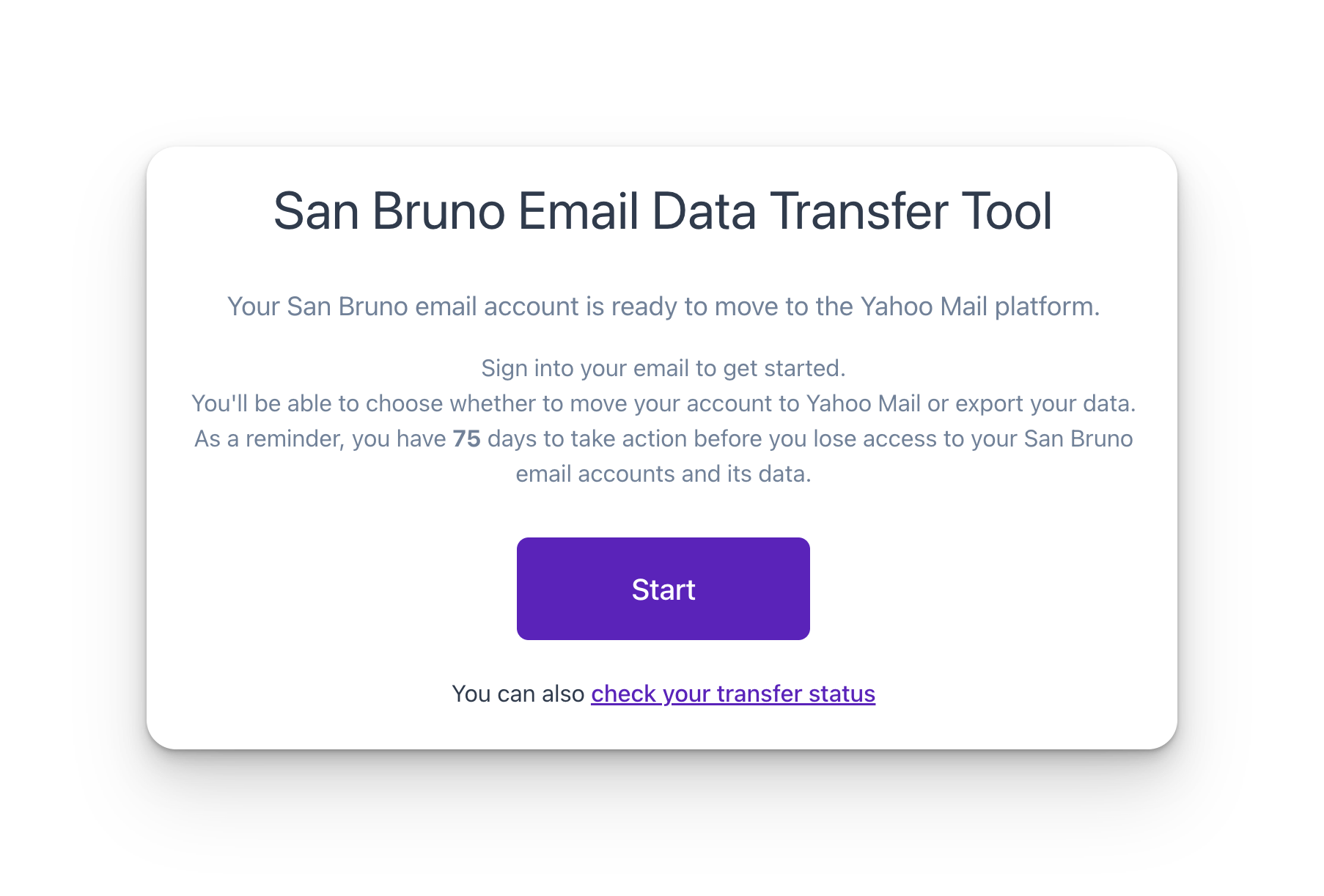
STEP 1. Navigate to the Transfer Portal. We recommend using Firefox or Chrome.
STEP 2. Authenticate with your San Bruno email account.
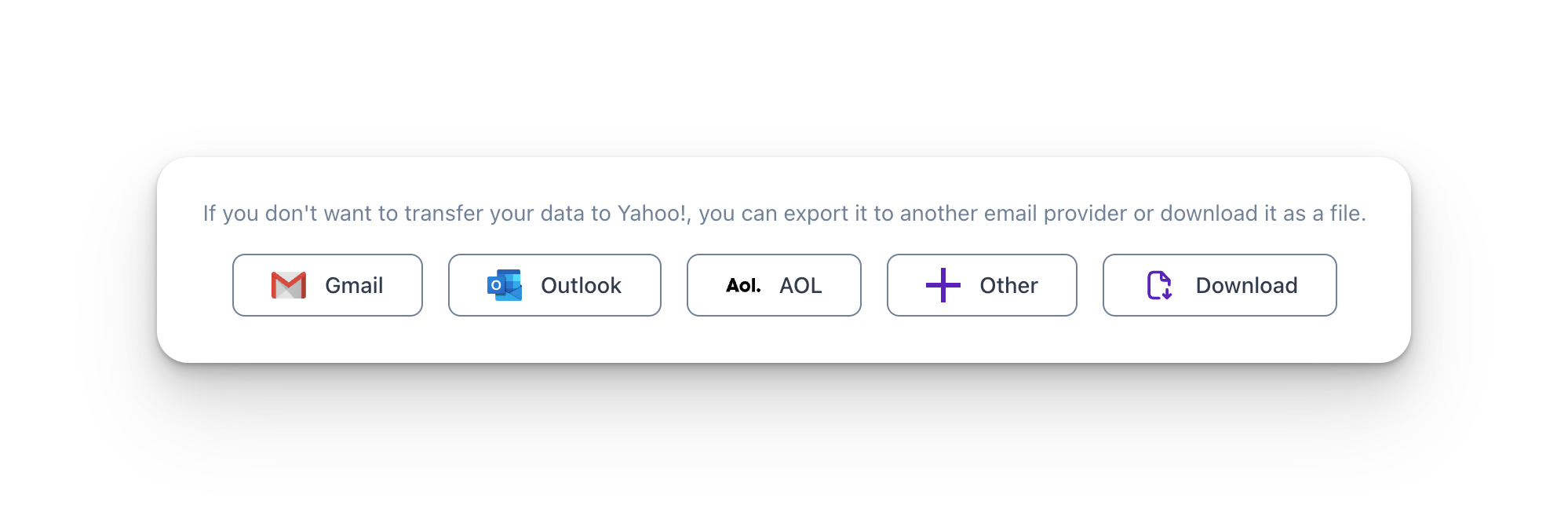
STEP 3. Select Download and press Next
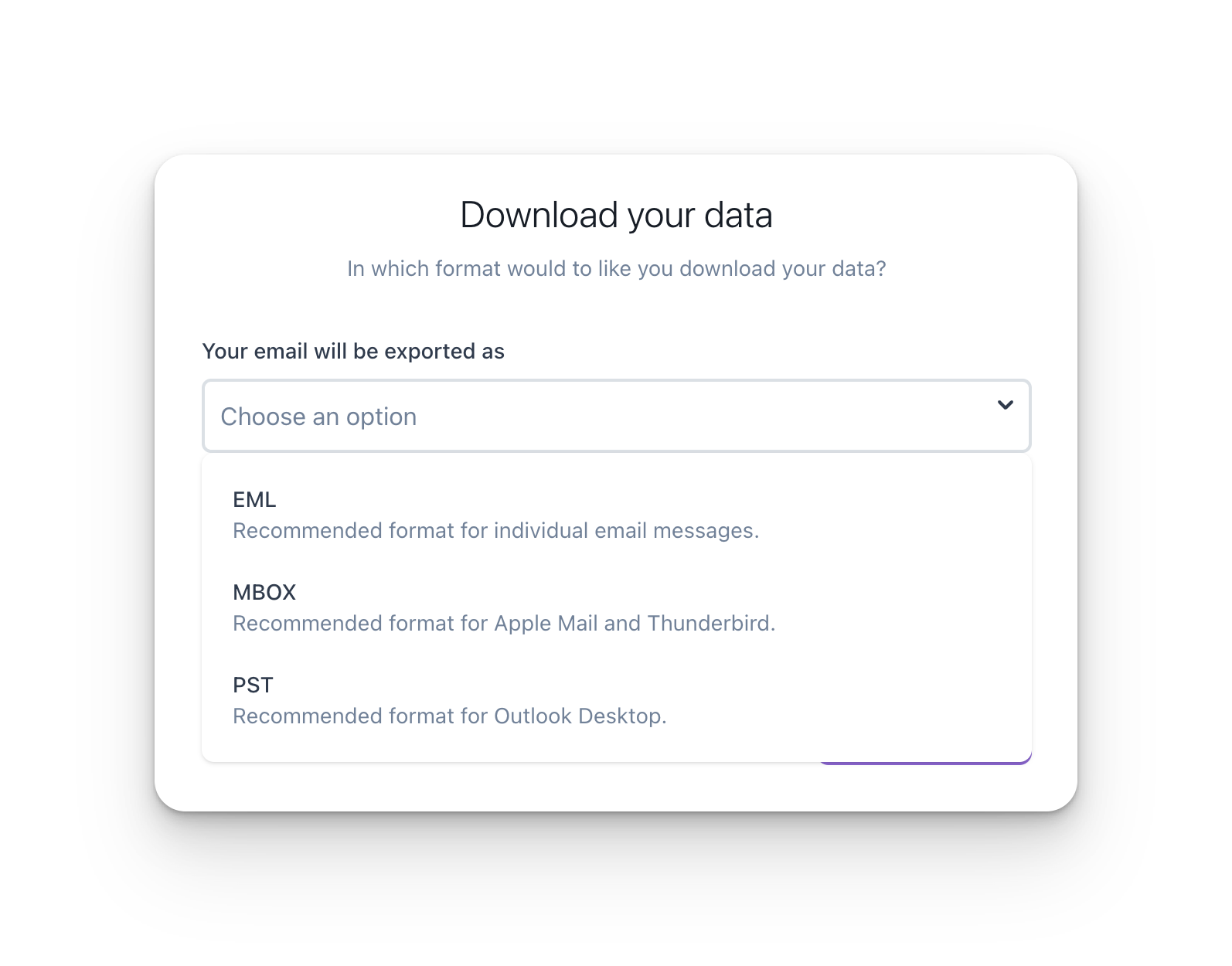
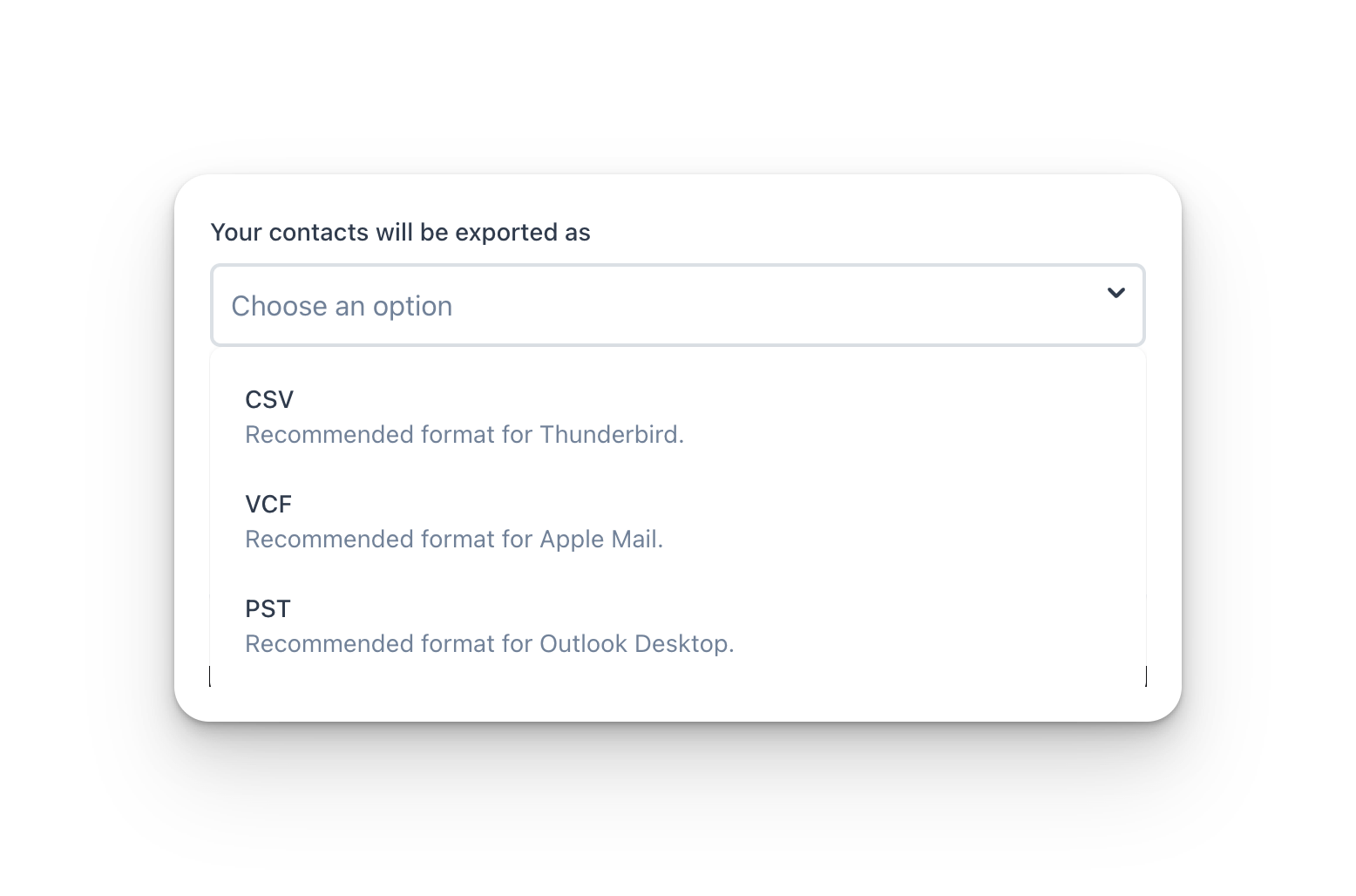
STEP 4. Select the download format for Emails and/or Contacts and press Next.
STEP 5. Enter the email address where you want to receive the download links.
Note: By default, we will send a download link to your San Bruno email address.

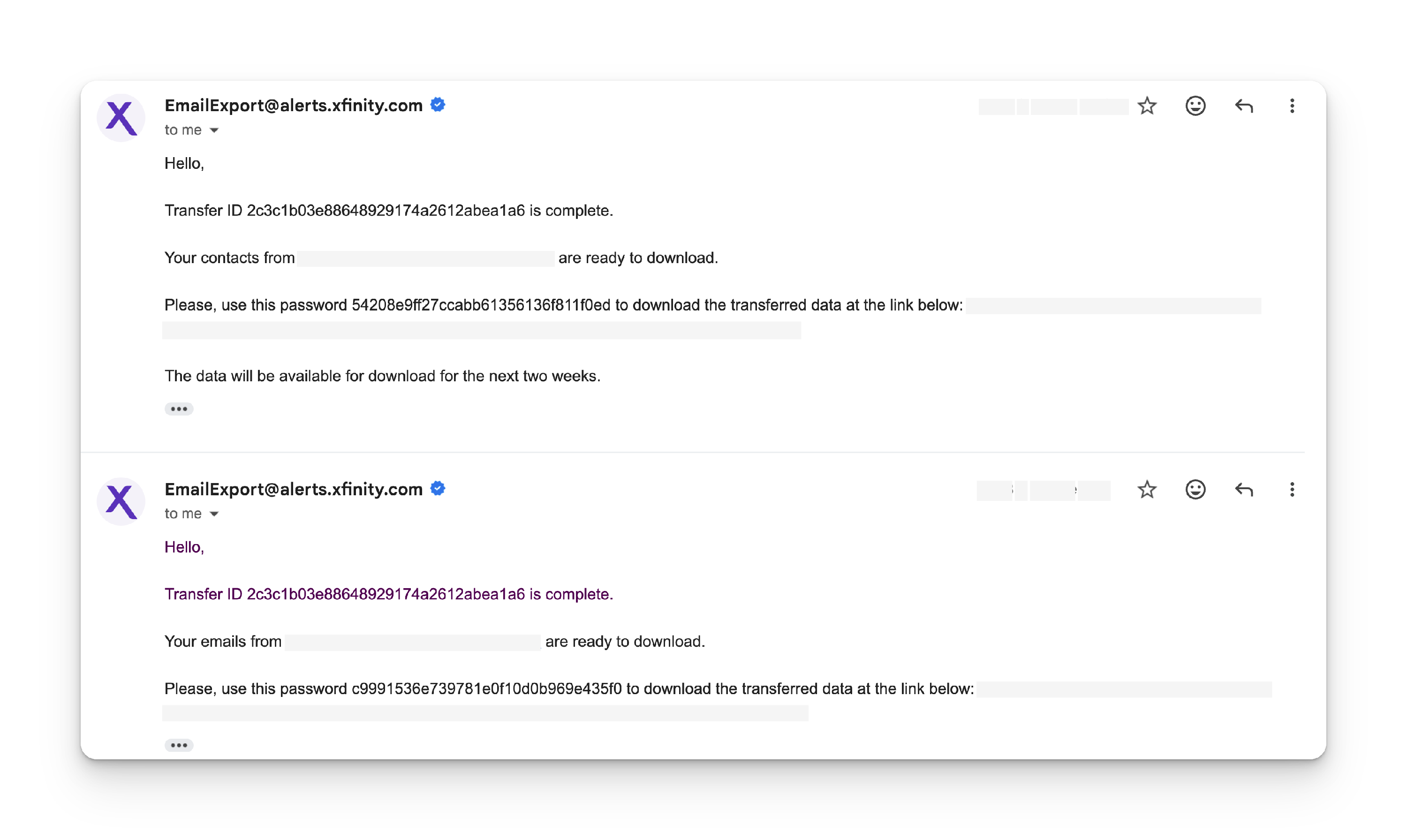
STEP 6. Once the transfer finishes, download the files using the link in the email. Links will be available for 14 days from the time the transfer finishes. Please use the password provided in the email to open the file.
You can check your Transfer Status with your Transfer ID at the Transfer Portal.