How do I transfer email data from San Bruno to Apple Email?
To transfer your San Bruno email data, please follow the instructions below.
STEP 1. Navigate to the Transfer Portal. We recommend using Firefox or Chrome.
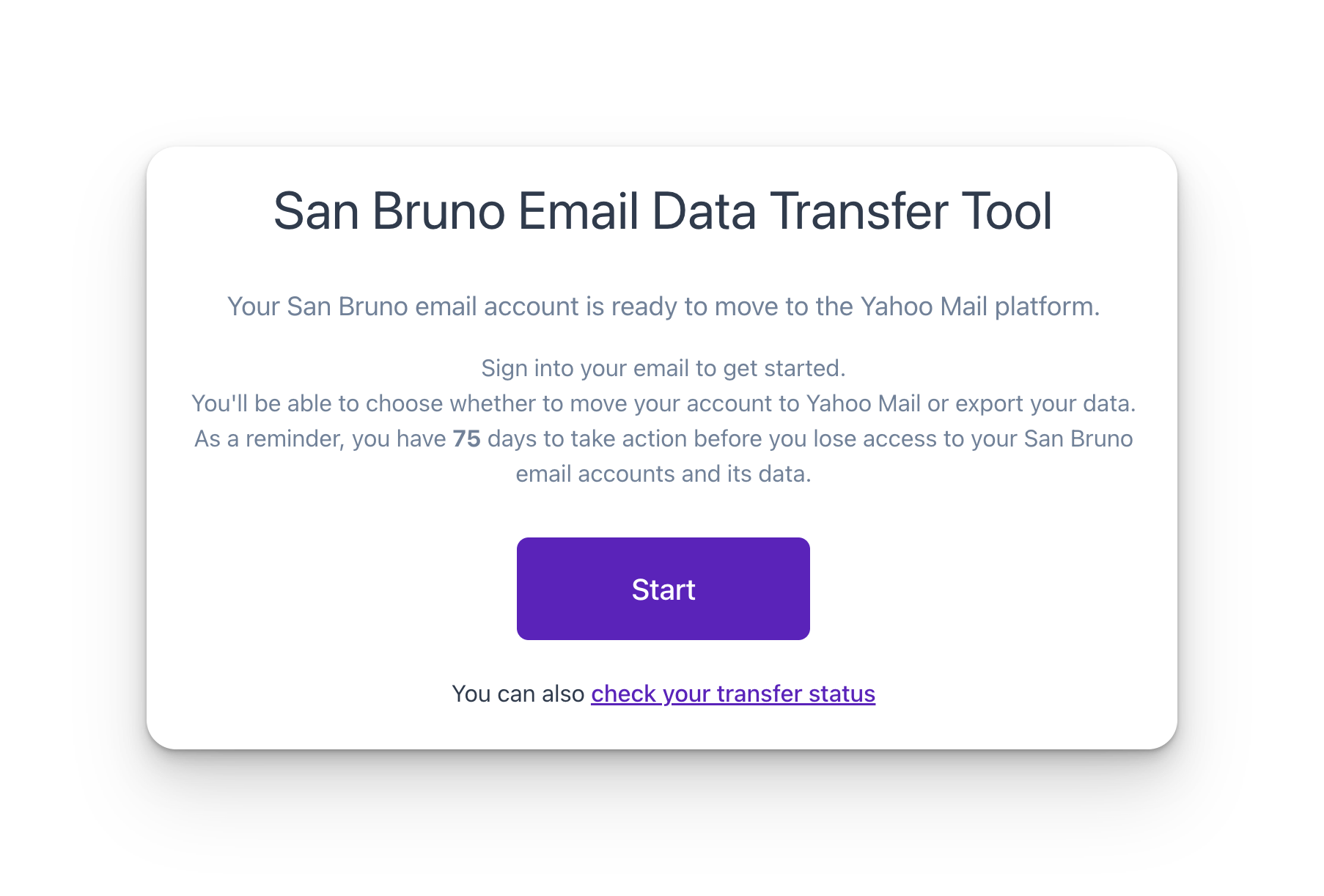
STEP 2. Authenticate with your San Bruno email account.
STEP 3. Choose Other.
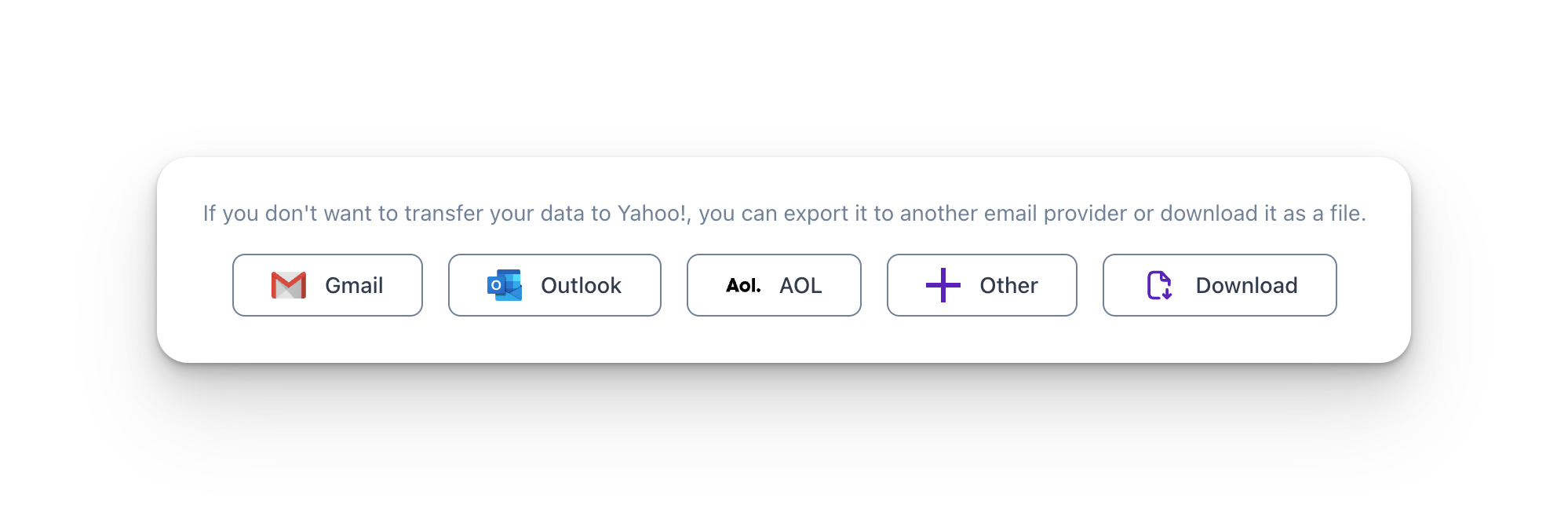
Step 4. Generate an App-Specific password instead of using your iCloud password by following the steps below:
- Sign in to https://account.apple.com/.
- In the Sign-In and Security section, select App-Specific Passwords.

- Select Generate an app-specific password.

- Enter a name for this password (e.g. email) and enter your iCloud password
- Save App password

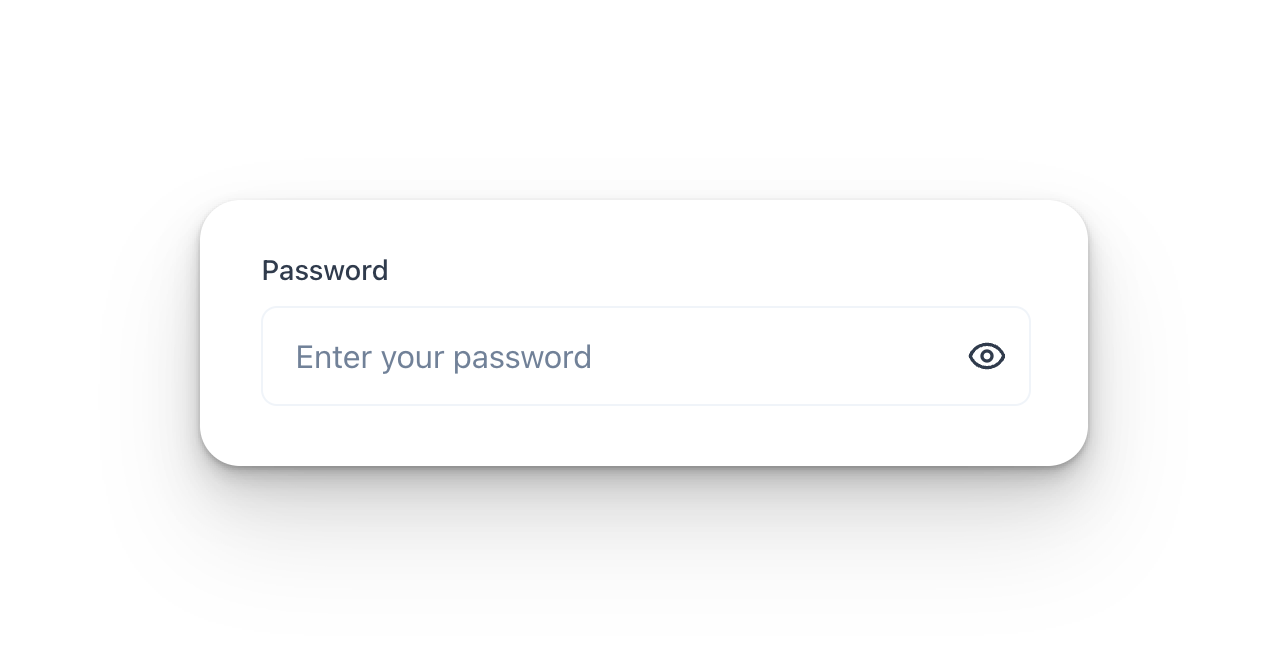
- Enter this password in the password field.
STEP 5. Start Transfer
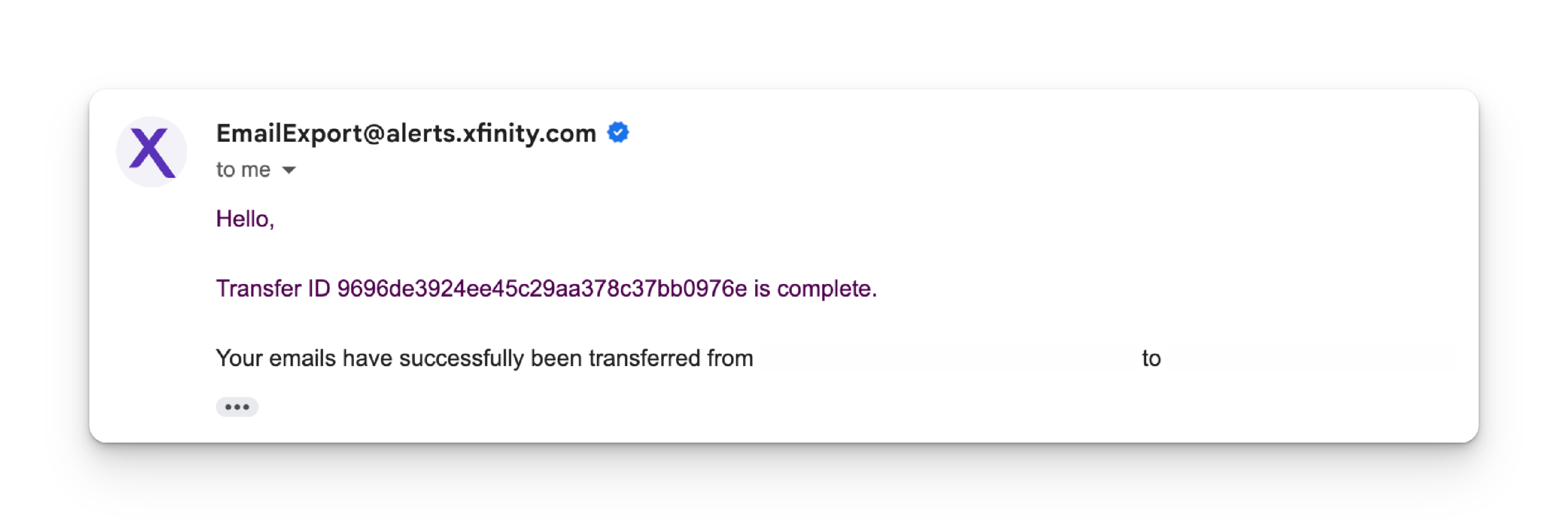
Step 6. Check Transfer Status. You can also check your Transfer Status with your Transfer ID in the Transfer Portal.