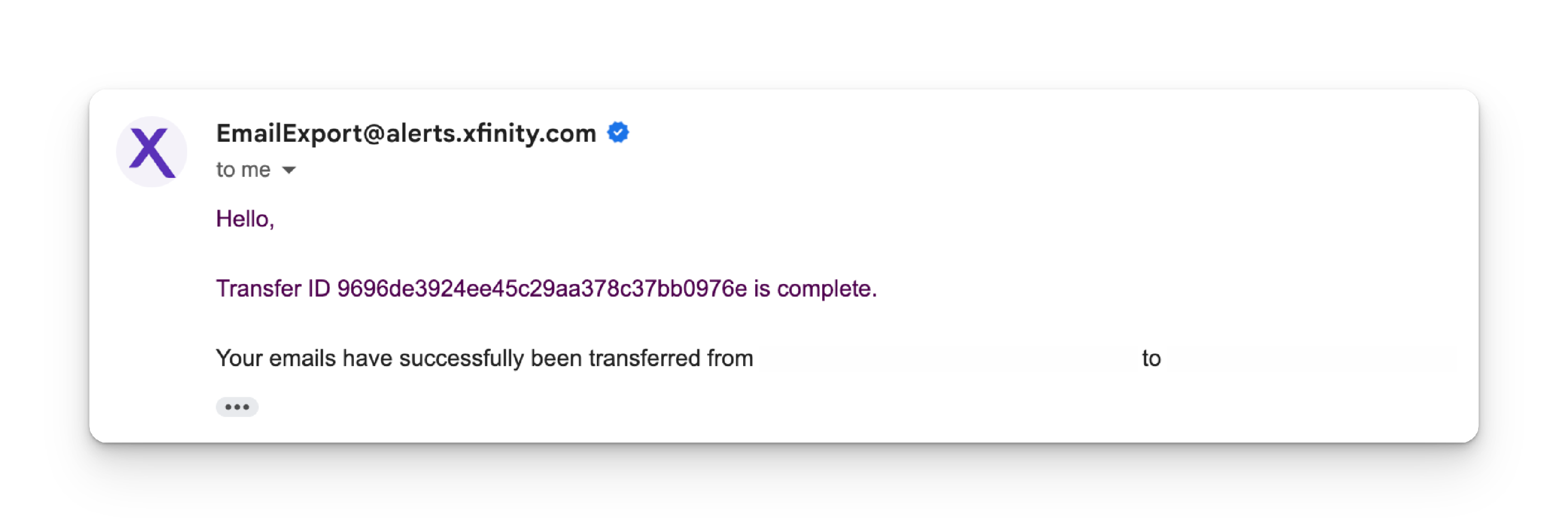
How do I keep my San Bruno email account?
To keep your email account you will have to use the export portal to transfer your San Bruno email data to be hosted on Yahoo. You will keep your @ San Bruno email account but instead of being hosted by San Bruno it will be hosted by Yahoo.
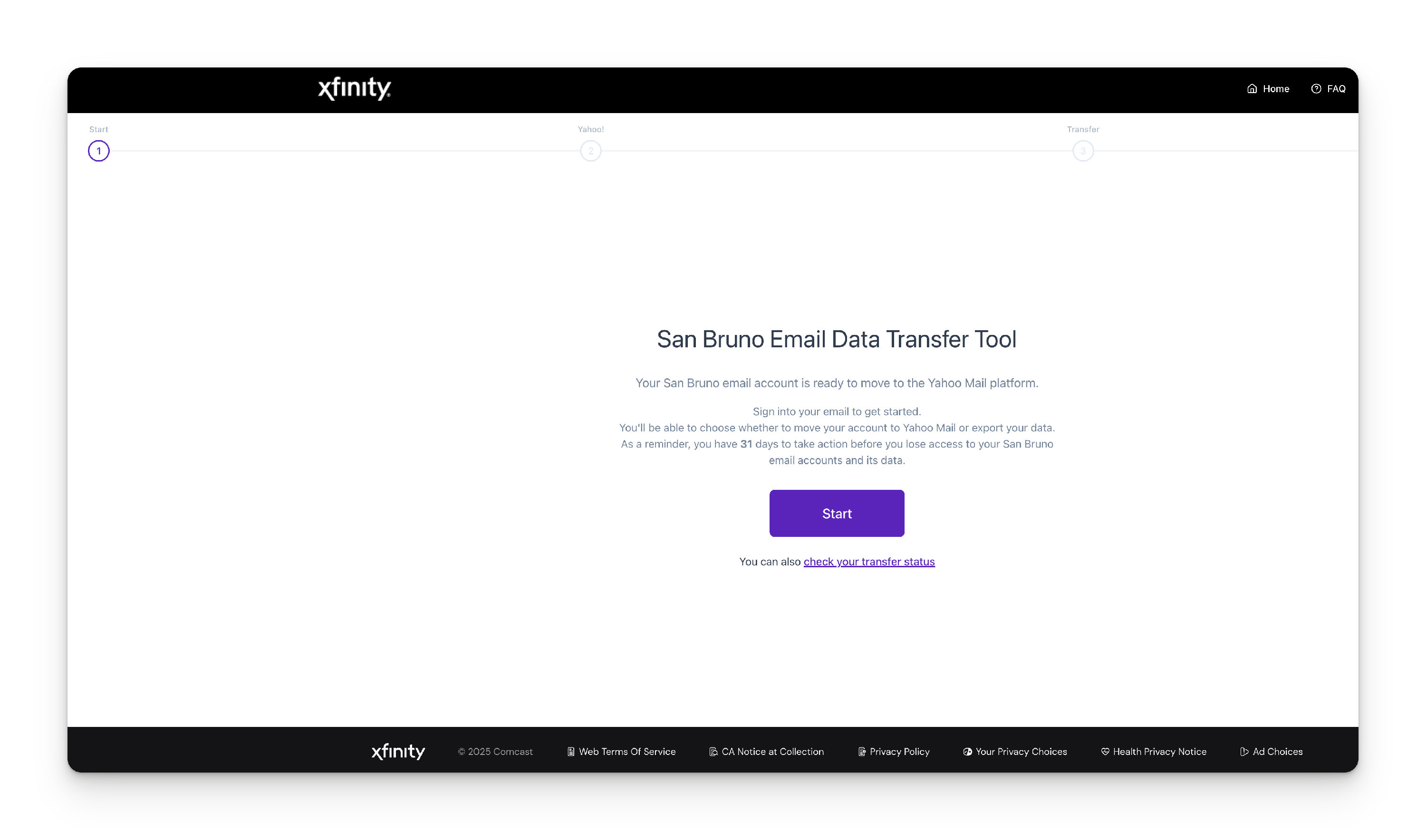
STEP 1. Navigate to the Transfer Portal. We recommend using Firefox or Chrome.
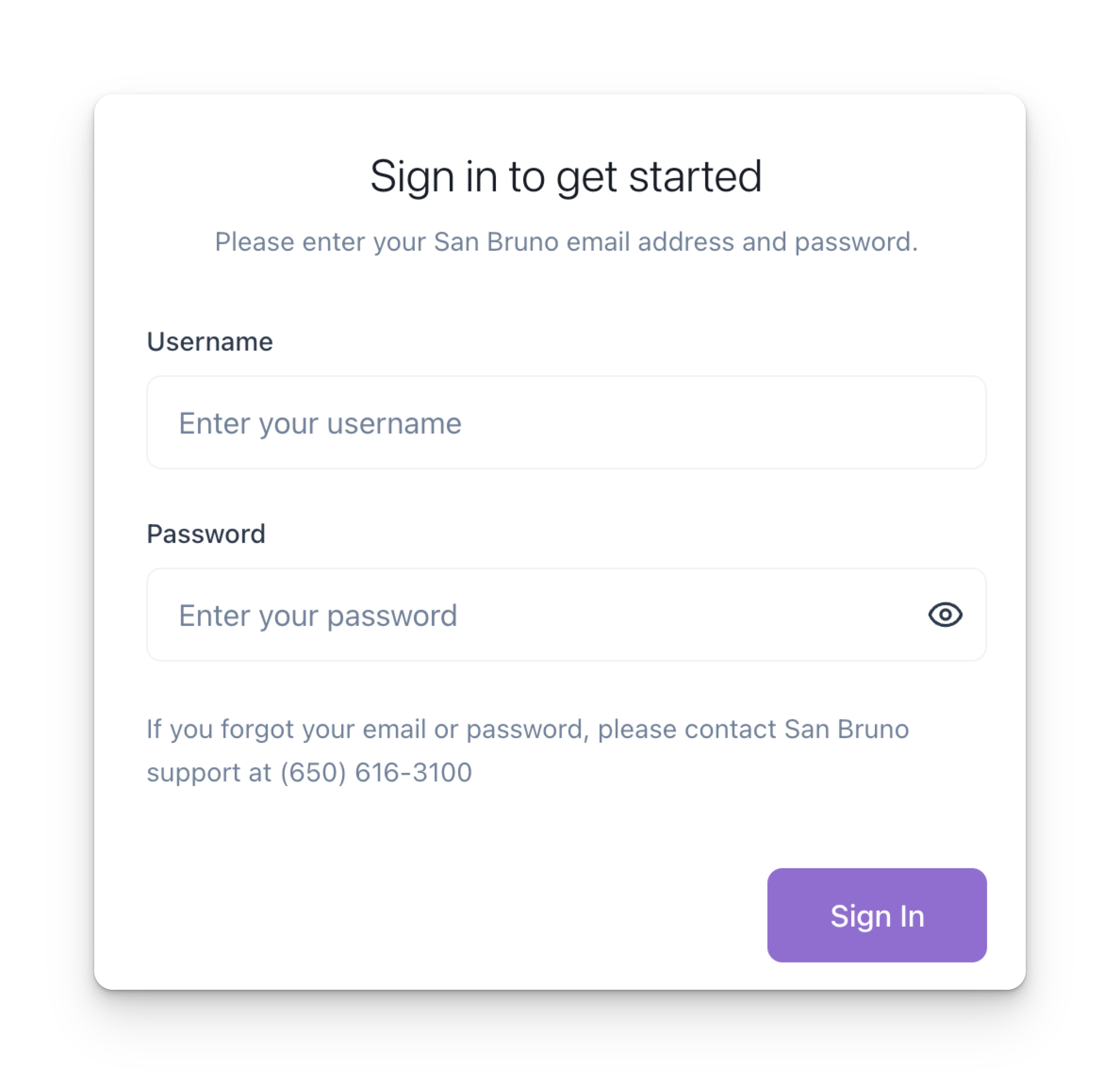
STEP 2. Authenticate with your San Bruno email account.
STEP 3. Click Go to Yahoo.
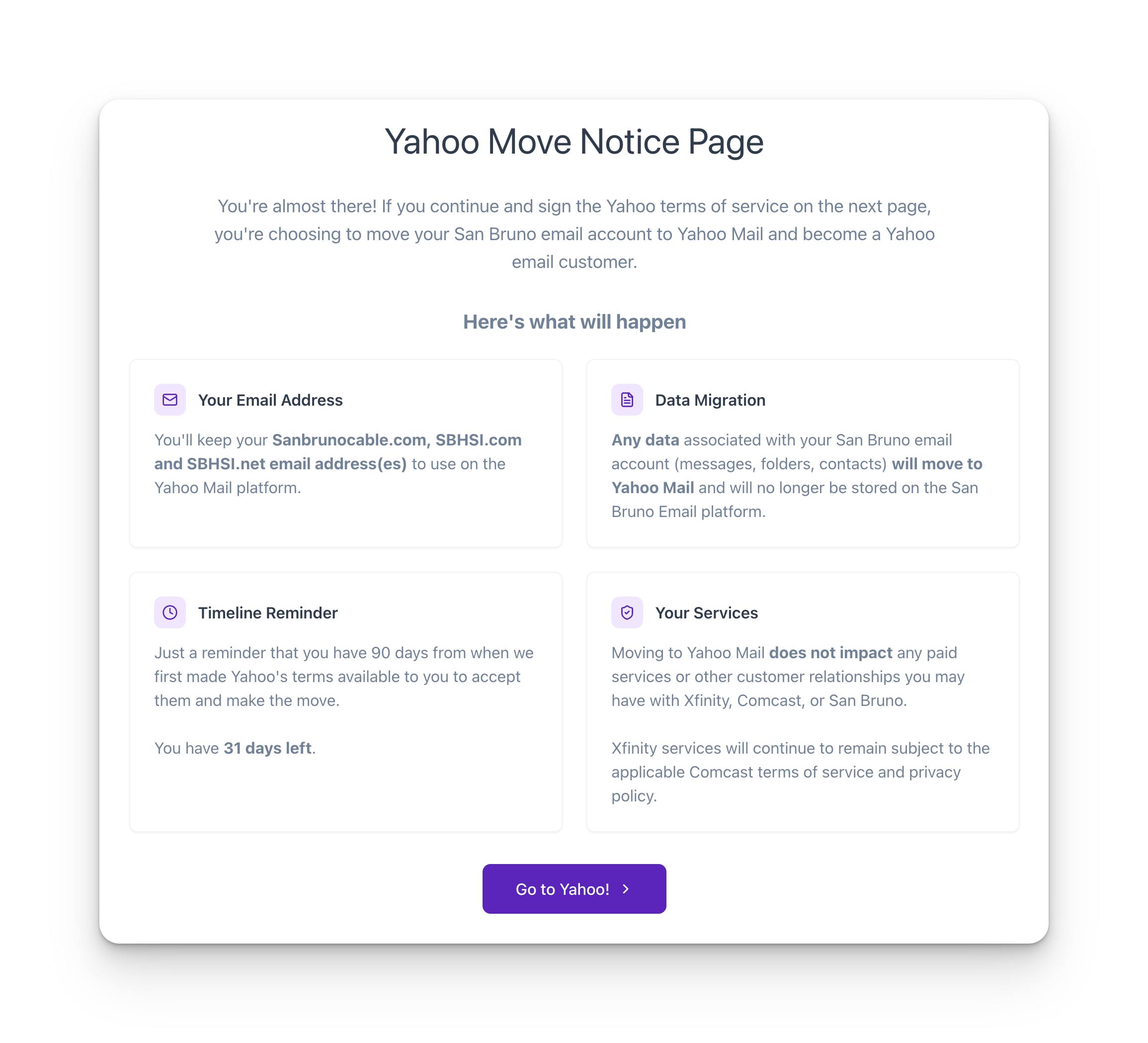
Note: We're redirecting you to Yahoo to start your email transfer. When you sign in, make sure to enter your San Bruno email address, this is required to connect your email to Yahoo. After you finish the quick onboarding with Yahoo, you'll come right back here to start your email move. This should only take a few minutes!
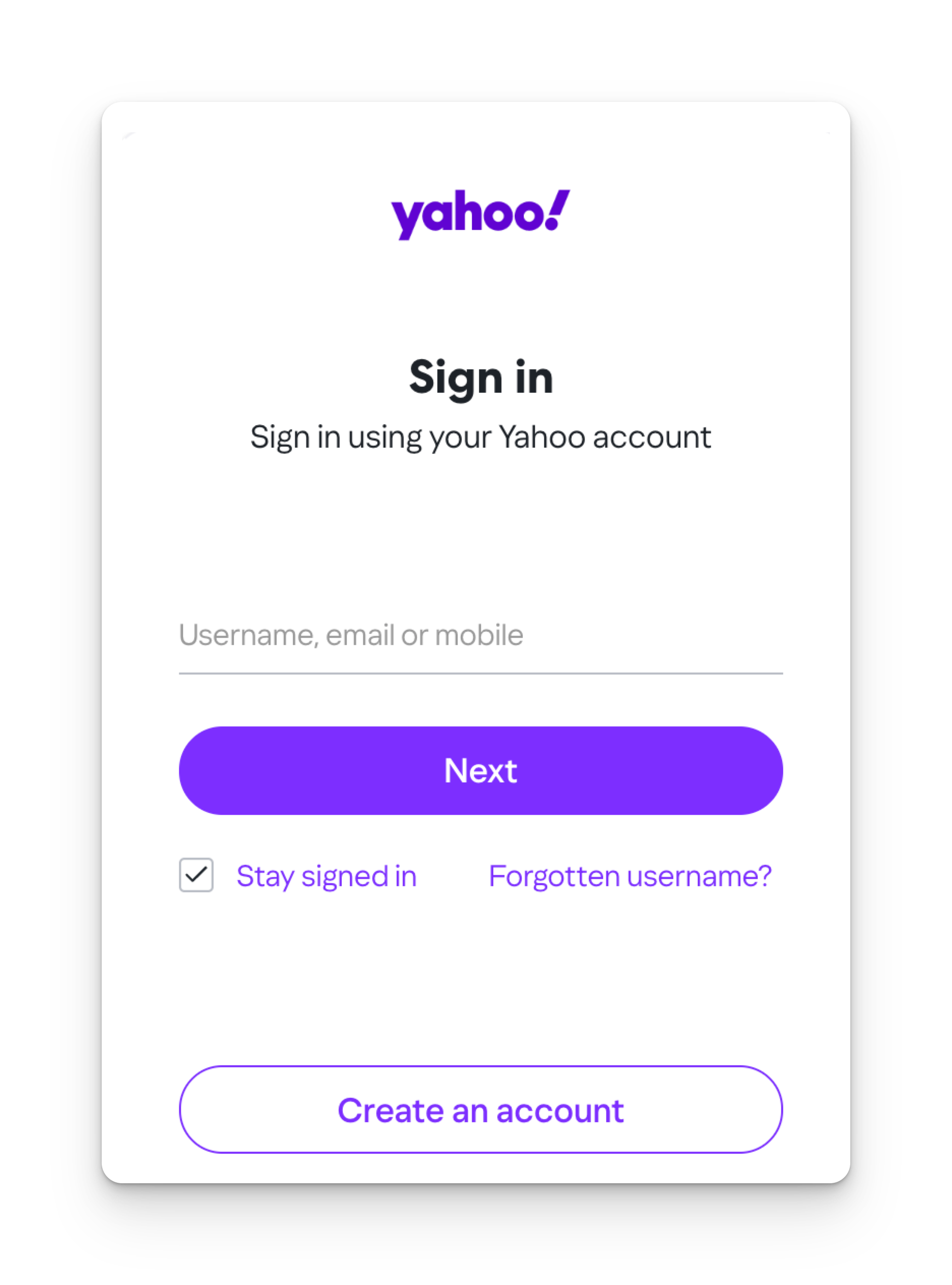
STEP 4. Enter your existing San Bruno email address and password.
STEP 5. Once you have returned to the Transfer portal, you can start the transfer.
Step 6. Check Transfer Status. You can also check your Transfer Status with your Transfer ID in the Transfer Portal.